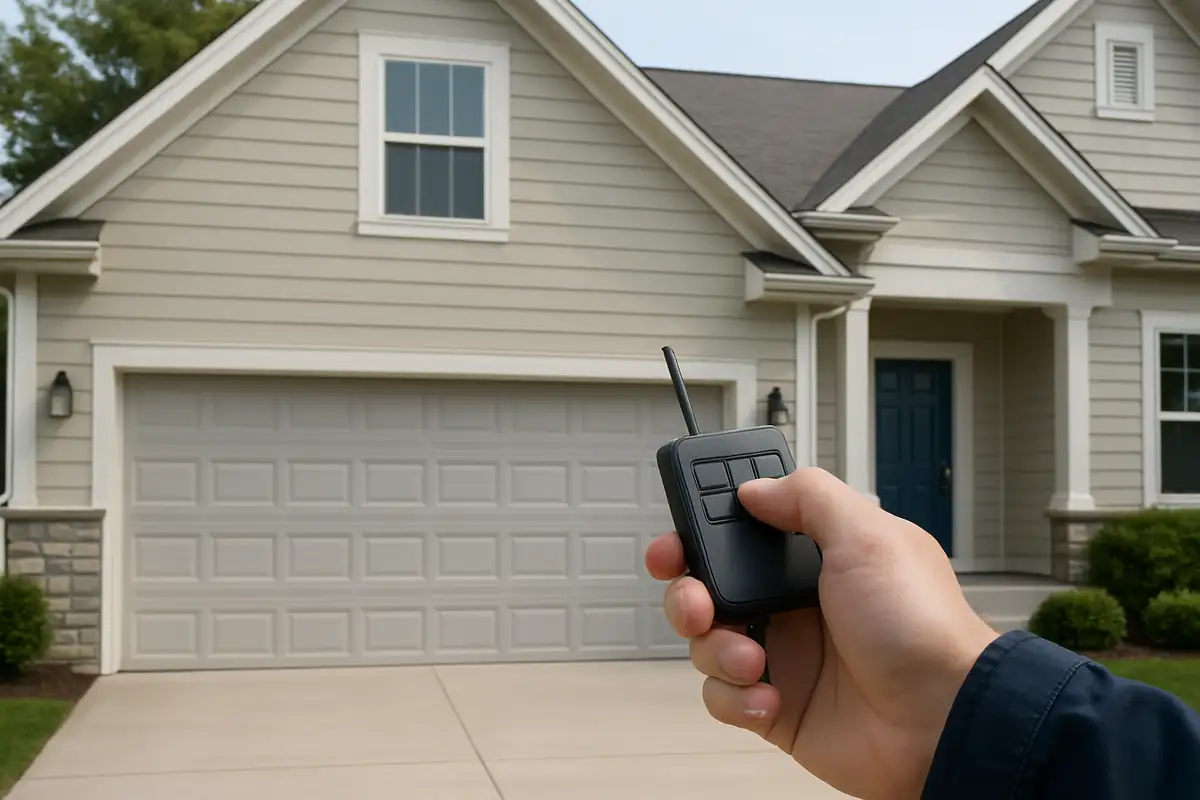

Understanding Your Garage Door Remote
The garage door remote is an essential tool for convenience and security. It allows you to open and close your garage door from a distance, adding ease to your daily routine. However, programming it can sometimes be tricky, especially if you’ve just moved to Calabasas or are using a new remote. In this guide, we’ll walk you through the steps to successfully program your garage door remote.
Why You Might Need to Program Your Garage Door Remote
There are several reasons homeowners in Calabasas may need to program their garage door remote:
- New Remote: If you've purchased a new remote, it must be programmed to work with your garage door opener.
- Lost Remote: In cases where you lose your remote, you may need to program a replacement.
- Security Reasons: It’s wise to reprogram your remote if you suspect someone else has access to it.
- New Garage Door Opener: If you've installed a new garage door opener, the remote will need to be programmed to work with it.
Steps to Program Your Garage Door Remote
Programming your garage door remote is usually a simple process. Here’s a step-by-step guide to ensure you get it right:
1. Gather Your Tools
Before you begin, make sure you have:
- Your garage door remote.
- Your garage door opener.
- A step ladder (if necessary).
2. Locate the 'Learn' Button
The 'Learn' button is crucial for programming your remote. It's typically found on the back of the garage door opener. Here’s how to find it:
- Look for a small antenna on your garage door opener.
- Remove the outer cover if needed.
- Identify the button; it might be color-coded (common colors include red, yellow, or purple).
3. Program the Remote
Once you locate the 'Learn' button, follow these steps:
- Press the 'Learn' button once. You should see a light indicator turn on, signaling that the system is ready to learn.
- Within 30 seconds, press and hold the button on your remote that you wish to program.
- The light on the garage door opener will blink to indicate successful programming.
4. Test the Remote
After programming, test the remote:
- Stand a few feet away from the garage door.
- Press the button on your remote.
- Observe if the door opens or closes.
If it doesn’t work, repeat the programming steps.
Troubleshooting Common Issues
If you encounter problems while programming your garage door remote, consider the following solutions:
Weak Batteries
Ensure that the batteries in your remote are fresh. Weak batteries can cause intermittent functionality.
Distance from Opener
When programming, ensure you're close enough to the garage door opener. Being too far away can hinder the signal.
Interference Issues
Check for any interference from nearby electronics or metal objects that may disrupt the signal.
Faulty Remote or Opener
If all else fails, consider the possibility of a defective remote or garage door opener. Contact a professional service for assistance in this case.
When to Call a Professional
While programming your garage door remote is typically a straightforward task, there are instances when it’s best to call in the experts:
- If you have an older garage door system.
- If programming attempts are unsuccessful after multiple tries.
- If you suspect any mechanical or electrical issues with your garage door opener.
For reliable garage door repair in Calabasas, Garage Door Repair Calabasas is here to help!
Conclusion
Programming your garage door remote is a quick process that enhances your daily convenience and security at home. By following the steps outlined above, you should be able to program your remote without hassle. However, if you run into any difficulties or need professional assistance, don’t hesitate to reach out to Garage Door Repair Calabasas. Your satisfaction and peace of mind are our top priorities!
Explore More Resources
Related Articles
Service Areas
We proudly serve Los Angeles, Palms, Culver City, Mar Vista, Sawtelle and more areas.
Our Services
Professional garage door repair, spring repair, opener installation and more. View all services →

When to Replace vs Repair Your Garage Door: Garage Door Repair Calabasas Insights
When to Replace vs Repair Your Garage Door: Garage Door Repair Calabasas Insights